
Free toolkit
You landed the client. Now what?
The First Client Starter Pack
A practical starter kit for beginner VAs who want to begin a new client relationship with more clarity, better communication, and fewer “I forgot to ask that” moments.
Get the Free Starter PackFree · Beginner-friendly · Practical from day one
Getting the client is only the beginning.
New VAs often spend so much time thinking about how to get a client that the next part gets overlooked.
- What should I ask before starting?
- What access do I actually need?
- Where will tasks and files live?
- How should I communicate with the client?
- What am I responsible for?
- What should happen during the first week?
- What should I document?
The First Client Starter Pack gives you a simple structure for those first steps.
What is included
Built for your first week with a client
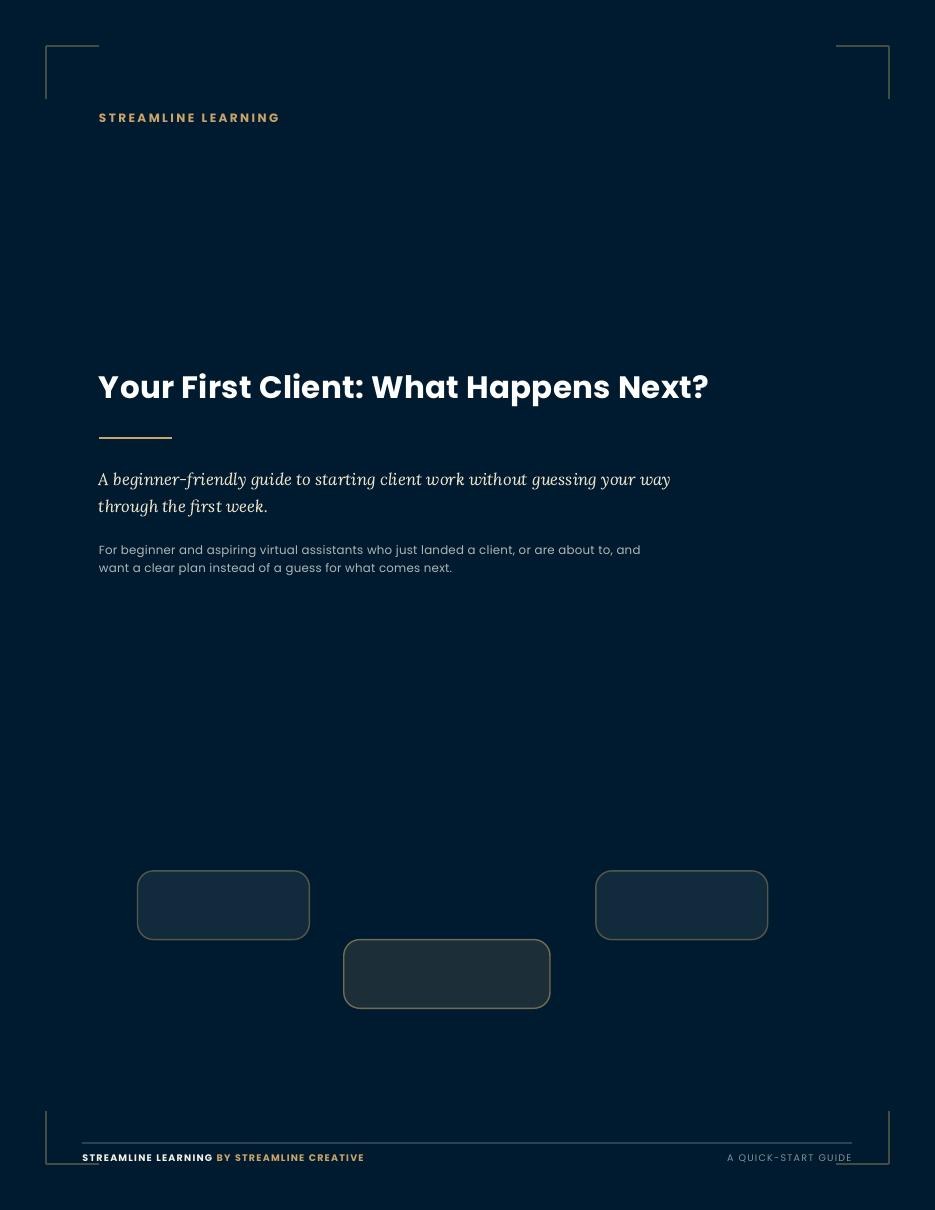
Quick-Start Guide
A beginner-friendly guide to what should happen after a client says yes.
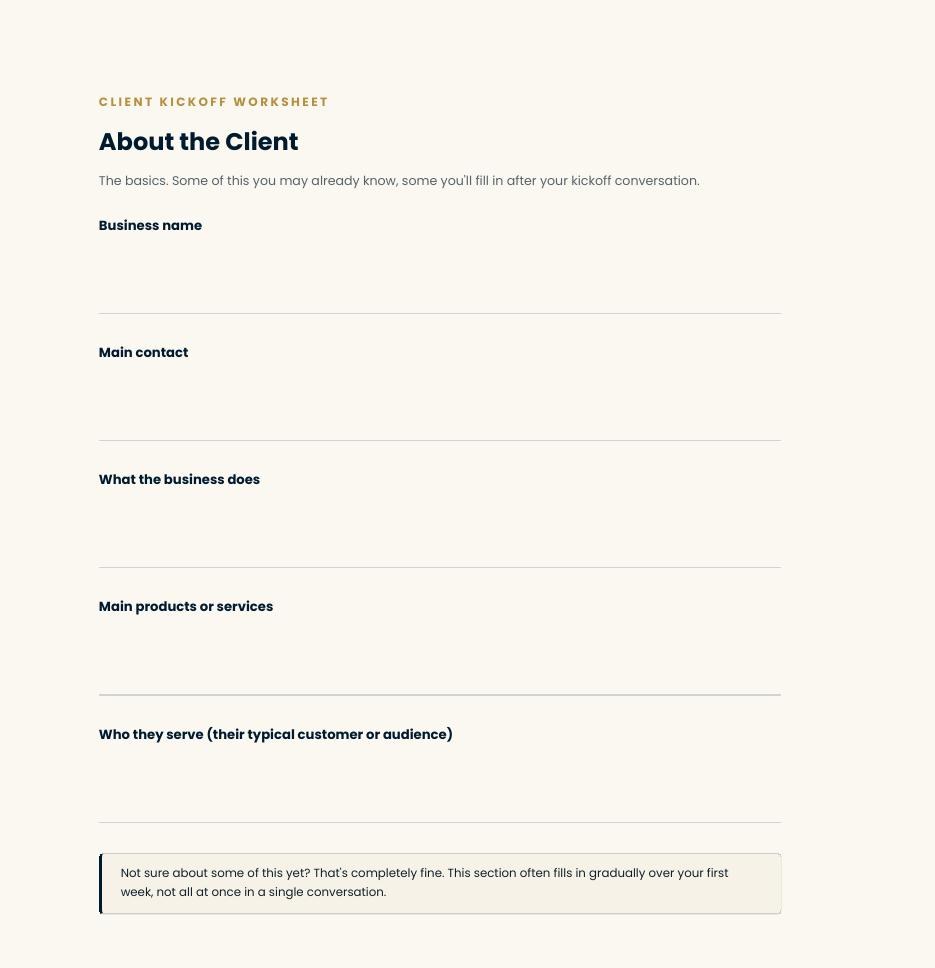
Client Kickoff Worksheet
Practical questions to understand the business, scope, priorities, communication, and workflow.
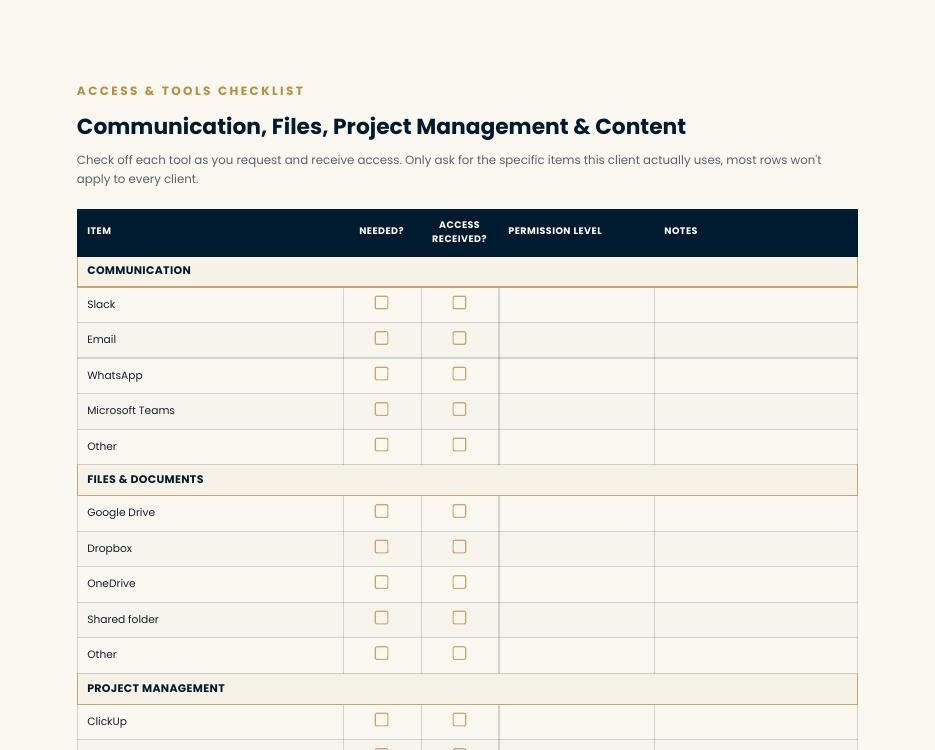
Access & Tools Checklist
A structured way to track the accounts, permissions, files, and systems you actually need.
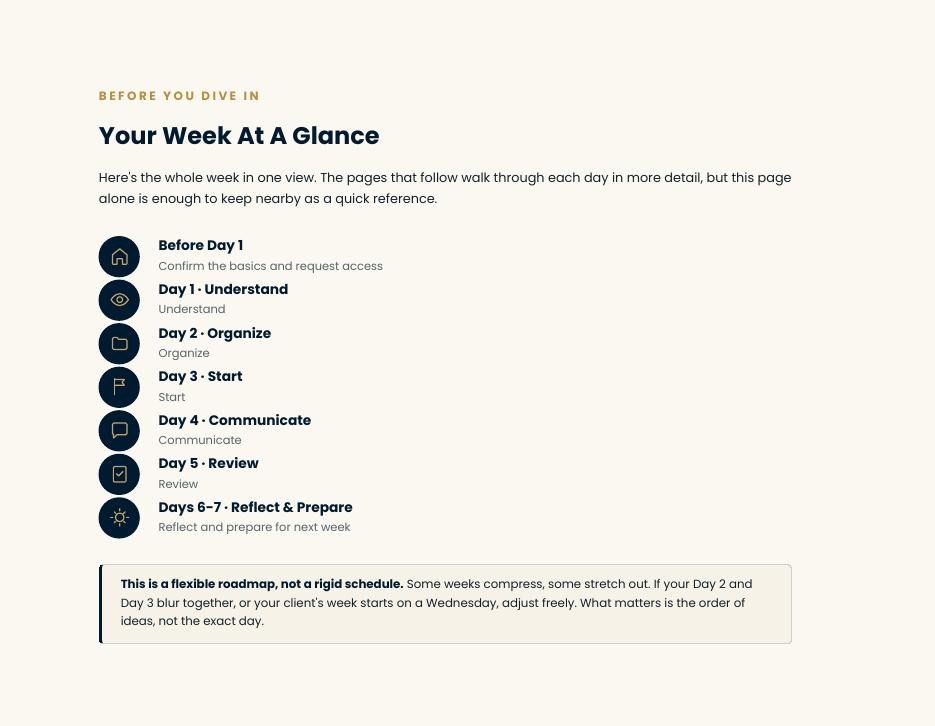
First Week Planner
A flexible 7-day roadmap for learning, organizing, starting work, and reviewing.
Communication Template Pack
Ready-to-adapt examples for introductions, missing access, clarifying tasks, updates, blockers, approvals, and end-of-week communication.
Use the parts that fit your client. Not every client will need every item in the toolkit.
A simple first-client framework
- Step 1
Clarify
Understand what you are responsible for.
- Step 2
Access
Get the tools and information you actually need.
- Step 3
Learn
Understand the client, business, and current processes.
- Step 4
Work
Start with the agreed priorities.
- Step 5
Communicate
Keep the client informed.
- Step 6
Document
Write down what you learn so you do not rely on memory.
- Step 7
Review
Check what worked and what needs attention next.
A simple first-week roadmap
Before Day 1
Confirm scope, communication, start date, priorities, access.
Day 1: Understand
Learn the business, expectations, and immediate priorities.
Day 2: Organize
Organize files, tools, links, and missing information.
Day 3: Start
Begin priority work and ask necessary questions.
Day 4: Communicate
Send an update and flag blockers early.
Day 5: Review
Check completed work and organize what remains.
End of Week
Review what worked, what is unclear, and what happens next.
This is a flexible roadmap, not a rigid schedule.
A look inside
1 of 4
This starter pack is for you if...
- You just landed your first VA client
- You are preparing for your first client
- You are new to freelancing and want more structure
- You already have a client but your onboarding feels messy
- You want to look organized without pretending you already know everything
What you get
Quick-Start Guide
A beginner-friendly guide to what should happen after a client says yes.
Client Kickoff Worksheet
Practical questions to understand the business, scope, priorities, communication, and workflow.
Access & Tools Checklist
A structured way to track the accounts, permissions, files, and systems you actually need.
First Week Planner
A flexible 7-day roadmap for learning, organizing, starting work, and reviewing.
Communication Template Pack
Ready-to-adapt examples for introductions, missing access, clarifying tasks, updates, blockers, approvals, and end-of-week communication.
Looking for more practical resources?
The Resource Library is where we publish checklists, templates, and short guides as they are finished.
Browse the Resource Library