
How to Create an SOP as a Virtual Assistant
By the Streamline Creative team · Published
Clients rarely ask for SOPs by name, but they notice when work is consistent, easy to review, and easy to hand over. Knowing how to write one is a practical skill that makes your work easier and more valuable.
What is an SOP, and why should a virtual assistant know how to create one?
An SOP (standard operating procedure) is a written, step-by-step guide to how a recurring task is done. For a virtual assistant, SOPs keep client work consistent, make it easier for clients to review and adjust tasks, and make handovers simple if someone else ever needs to take over.
Key takeaways
- Write an SOP for tasks you repeat, hand over, or keep getting questions about.
- Observe the task as it really happens before you write anything.
- Test the SOP by having someone else follow it, or by following it yourself without memory.
- Keep SOPs short, owned, and dated so they stay trusted.
1. What is an SOP?
An SOP is a reference document that explains how a task is done and why it is done that way. It is different from a checklist, which only confirms steps, and from a workflow, which shows how work moves between people. If you are unsure which one you need, see SOP vs checklist vs workflow.
2. Why SOPs matter for virtual assistants
- Consistency. The task is done the same way even on a busy week.
- Fewer repeated questions. Client preferences are written down once.
- Easier reviews. The client can see exactly how something is handled and suggest changes.
- Simple handovers. If you take time off or the work is shared, the next person is not starting from scratch.
3. When a VA should create an SOP
- The task happens regularly (weekly, monthly, or per client).
- It has several steps or specific client preferences.
- You have been asked the same question about it more than once.
- Someone else may need to do it in the future.
- A mistake would be noticeable to the client or their customers.
4. What information to collect before writing
- What triggers the task and how often it happens
- The tools, logins, and files involved
- Client preferences (tone, formatting, approval rules)
- What the finished result should look like
- Who to ask when something is unusual
5. How to write an SOP step by step
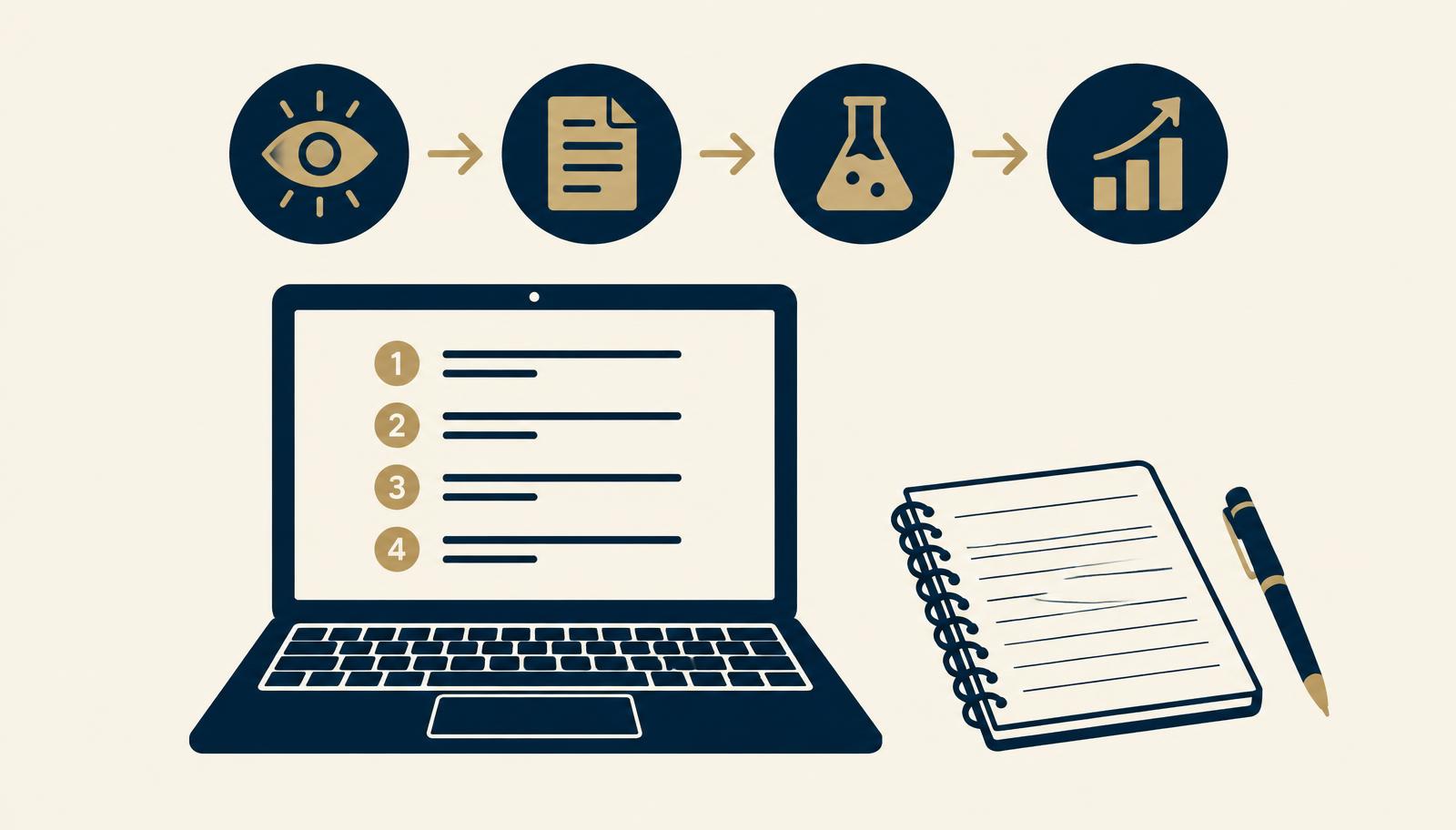
A simple four-stage approach works well: observe, document, test, improve.
- Observe. Do the task (or watch the client do it) and note every step as it actually happens, including small decisions.
- Document. Write the steps in order using short, action-first sentences. Add screenshots only where a step is easy to get wrong.
- Test. Follow the SOP exactly as written, or ask someone else to. Fix any step where you had to rely on memory.
- Improve. Share it with the client, add their feedback, and update it when the task or tool changes.
6. What a good VA SOP should include
- Title that describes the task
- Purpose: why the task matters
- Trigger and frequency
- Owner and who to contact for questions
- Tools and access needed
- Numbered steps
- Definition of done
- Common exceptions and what to do
- Last reviewed date
7. Example SOP structure
Here is an outline for a common VA task, scheduling a social media post:
| Title | Scheduling a social media post |
|---|---|
| Purpose | Publish approved posts on time and in the client’s format |
| Trigger | Post marked “Approved” in the content calendar |
| Tools | Content calendar, scheduling tool, shared image folder |
| Steps | 1. Open the approved post. 2. Check caption, hashtags, and links. 3. Download the final image. 4. Schedule at the agreed time. 5. Mark as “Scheduled” and add the link. |
| Done when | Post is scheduled and the calendar status is updated |
| Exceptions | Missing image or unclear caption: message the client, do not guess |
The SOP Starter Kit includes a completed version of this exact example, plus an editable template.
8. Common SOP mistakes
- Writing from memory. Steps get skipped because they feel obvious.
- Too much detail. Documenting every click makes SOPs break whenever the tool updates.
- No owner or date. Nobody knows if it is still accurate.
- Scattered storage. SOPs spread across emails and chats are not used.
9. How to keep SOPs updated
- Update the SOP the same day a step or tool changes.
- Add a last reviewed date at the top.
- Review frequently used SOPs every few months.
- Remove SOPs for tasks that no longer happen.
10. How SOPs help you become more valuable to clients
SOPs show that you think about how work is done, not just whether it gets done. They make it easier for clients to trust you with more responsibility, because your work is visible and repeatable. Over time, documenting processes can become a service in its own right.
If you are building these skills from the start, the upcoming VA Foundations course covers understanding and documenting client processes as part of becoming a reliable support partner.
Frequently asked questions
What should a virtual assistant SOP include?
A clear title, the purpose of the task, when it happens, who owns it, the tools and access needed, the steps in order, what done looks like, common exceptions, and the date it was last reviewed.
Should a VA write SOPs without being asked?
It is usually a good idea for recurring tasks, as long as you share them with the client and agree where they are stored. Ask first if the client has an existing format or documentation system.
Where should VA SOPs be stored?
Wherever the client already keeps documentation, such as Google Drive, Notion, or ClickUp. Keep them in one folder with consistent names so they are easy to find.
How often should SOPs be updated?
Whenever the task, tool, or client preference changes, and at least every few months for frequently used tasks. Add a last reviewed date so readers know it is current.
Is there a free VA SOP template?
Yes. The SOP Starter Kit from Streamline Learning includes an editable SOP template and a completed example for scheduling a social media post.
Download The SOP Starter Kit
A free guide, an editable SOP template, and a completed example so you can start documenting client tasks today.
Download The SOP Starter KitWant help putting this into practice?
You do not need to know exactly what solution you need. Tell us where the work gets stuck and we will take it from there.
Tell us what’s not working