
SOP vs Checklist vs Workflow: What’s the Difference?
SOP, checklist, and workflow get used as if they mean the same thing. They do not. Each one solves a different problem, and using the wrong one is a common reason documentation gets written, ignored, and eventually abandoned.
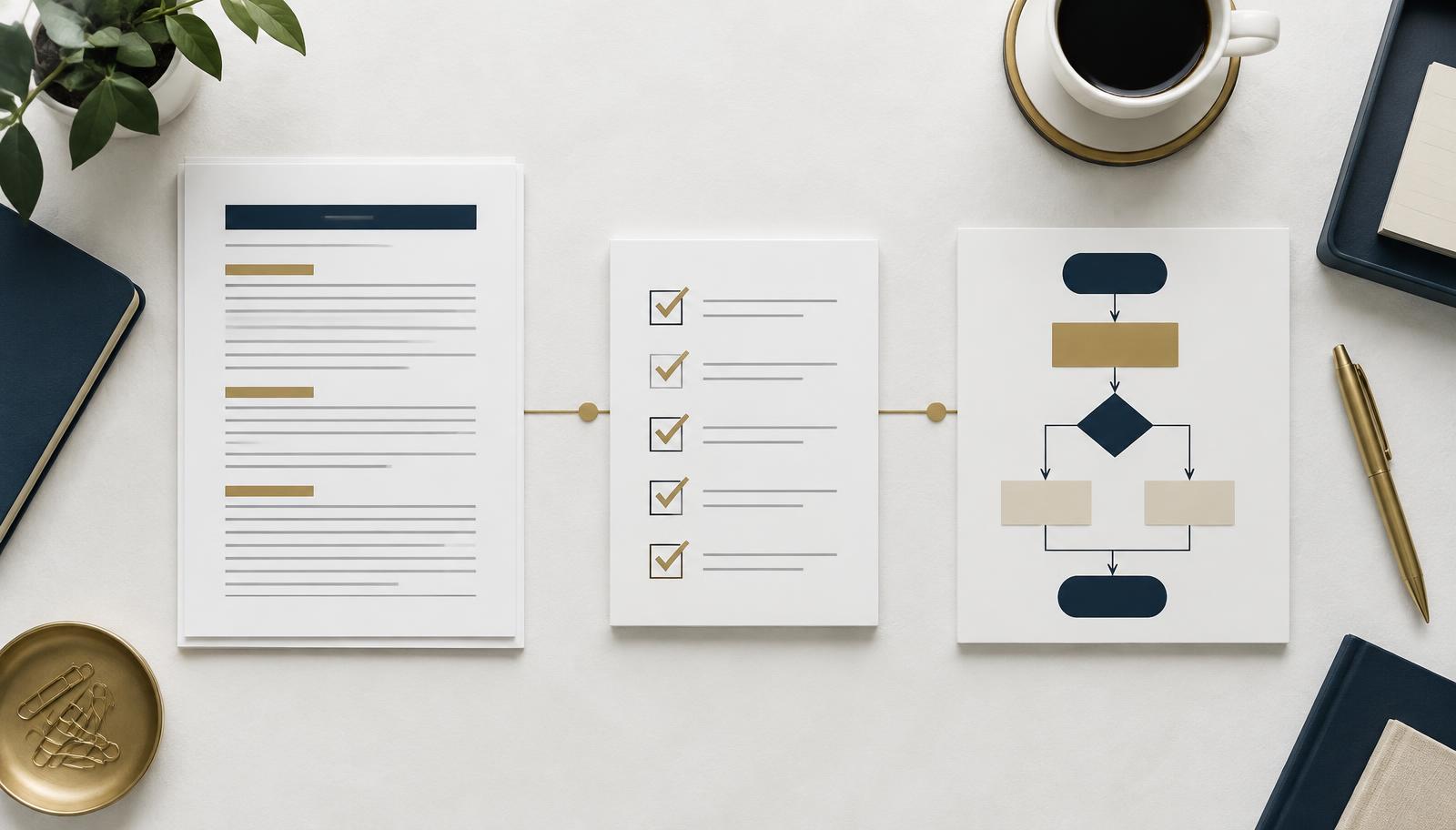
What an SOP is
A standard operating procedure explains how a task is done and why it is done that way. It is the reference document. It usually includes the purpose of the task, who is responsible, the tools involved, the steps in order, and any rules or exceptions that matter.
An SOP is written for someone who has never done the task before, or for someone who does it rarely enough that they need a reminder of the details.
Example
A document titled Publishing a client blog post that covers where drafts live, formatting rules, who approves, how images are sourced, and what happens after publishing.
What a checklist is
A checklist is the short version used while the work is happening. It does not explain anything. It simply confirms that nothing was missed.
Checklists work best for tasks that are already understood but easy to rush. They are meant to be ticked off, not read.
Example
- Title and meta description added
- Featured image uploaded
- Internal links added
- Approved by the client
- Scheduled and confirmed
What a workflow is
A workflow is the path work travels through, from start to finish, including who picks it up at each stage. It is less about instructions and more about movement, ownership, and timing.
A workflow usually lives in a tool rather than a document. Think of stages in a project board, statuses that change as work progresses, or a sequence of steps that triggers the next person.
Example
Draft, Internal review, Client review, Approved, Scheduled, Published. Each stage has an owner and a clear handoff.
How they differ
- An SOP explains. It answers how and why.
- A checklist confirms. It answers did we miss anything.
- A workflow moves. It answers where is this now and who has it.
Another way to separate them is by the question someone is trying to answer. If they need to learn the task, open the SOP. If they know the task but need to complete it accurately, use the checklist. If they need to know what is happening before or after their part, look at the workflow.
A side-by-side example
Imagine a business onboarding a new client. The three tools might look like this:
- The workflow shows the journey from signed agreement to intake, account setup, kickoff, and active delivery.
- The SOP explains how to set up the client workspace, where to save files, which permissions to apply, and how to handle exceptions.
- The checklist confirms that the folder, project, contacts, access, and kickoff tasks were all created.
The workflow gives the team visibility. The SOP gives the person doing the work enough context. The checklist gives them a quick quality check before they move on.
When to use each
- Use an SOP when a task is detailed, repeatable, or handled by more than one person, and when training or handover matters.
- Use a checklist when the task is familiar but has small steps that get skipped under time pressure.
- Use a workflow when work passes between people or stages and things stall because nobody is sure who has it.
Common mistakes
- Writing an SOP when a checklist was enough. Long documents for simple tasks go unread.
- Using a checklist for training. A new team member cannot learn a task from ticked boxes alone.
- Building a workflow with no owners. Stages without names attached just move the confusion somewhere else.
- Documenting everything at once. Start with the tasks that cause the most repeated questions.
- Never updating them. Out of date documentation is worse than none, because people stop trusting it.
How much detail should an SOP include?
Include enough detail for the intended reader to complete the task safely without asking the same questions again. A new team member may need screenshots, definitions, and clear decision rules. An experienced specialist may only need the required sequence, standards, and exceptions.
Avoid turning an SOP into a record of every click when the software changes often. Focus on the outcome, the decisions that matter, and the details that protect quality. Link to a short video or tool-specific note when a visual explanation is genuinely easier.
A practical way to build your first set
- Choose one repeatable process that creates questions, delays, or inconsistent work.
- Observe how it happens now and note the real steps, owners, tools, and handoffs.
- Draw the workflow using simple stages before adding detailed instructions.
- Write an SOP for the stage that requires the most explanation or judgment.
- Pull the must-not-miss actions into a short checklist for daily use.
- Ask someone else to follow it and record where they still need clarification.
- Assign an owner and review the documentation when the process changes.
Quick decision guide
- If people ask how do I do this, create or improve the SOP.
- If people say I forgot that step, add a checklist.
- If people ask who has this now, clarify the workflow.
- If all three happen, map the workflow first and build the supporting documents from it.
How they work together
These three are not alternatives. They layer. The workflow shows where the work is, the SOP explains how each stage is done, and the checklist keeps the person doing the work from missing details.
A practical order to build them: map the workflow first so you can see the real path work takes, write SOPs for the stages that cause the most questions, then pull short checklists out of those SOPs for daily use. If you want a closer look at how this comes together in a real system, see our operations systems example.
Download The SOP Starter Kit
A free toolkit from Streamline Learning with a guide, an editable SOP template, and a completed example so you can document repeatable work without overcomplicating it.
Download The SOP Starter KitWant help putting this into practice?
You do not need to know exactly what solution you need. Tell us where the work gets stuck and we will take it from there.
Tell us what’s not working