
What Business Processes Should You Automate First?
By the Streamline Creative team · Published
This is a practical list of the business processes that are most often good candidates for automation, with what stays human in each. If you are still deciding whether to automate at all, start with our decision guide first.
What business processes should you automate first?
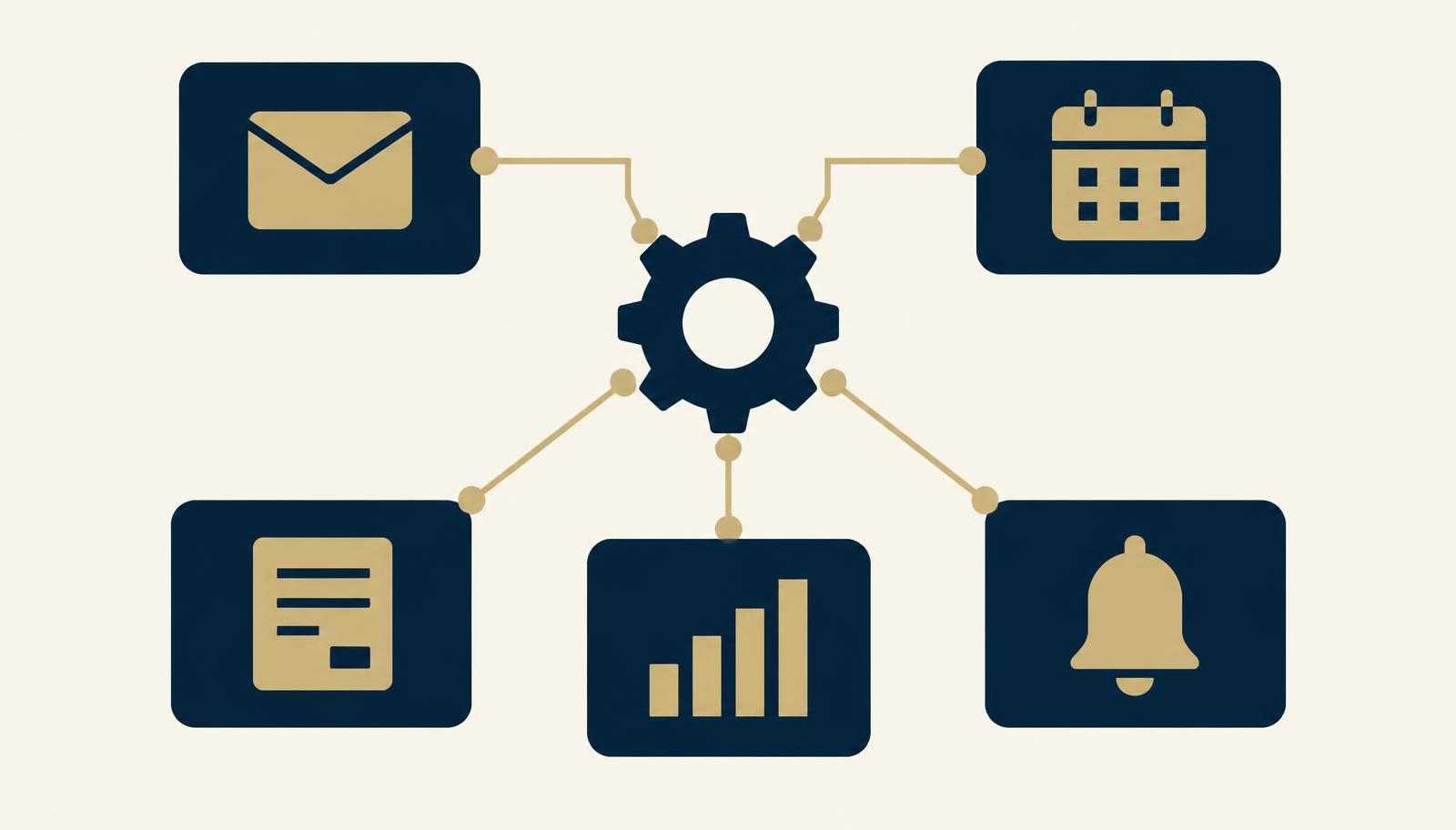
Start with repetitive, rule-based processes that happen often: lead capture and follow-up, appointment reminders, client onboarding tasks, internal notifications, form submissions, and moving data between tools. Keep conversations, decisions, and anything relationship-based with people.
Key takeaways
- The best candidates are frequent, rule-based, and easy to check.
- In almost every process, part should stay human.
- Fix the manual process before automating it.
- Use the tools you already have before adding new ones.
If you need help choosing between these, read What Should You Automate First? for a simple decision framework. The tools mentioned below are examples we often work with, not requirements.
At a glance
| Process | Automate | Keep human |
|---|---|---|
| Lead capture and follow-up | CRM entry, first reply, follow-up reminders | Sales conversations |
| Appointment reminders | Confirmations and reminders | Rescheduling exceptions |
| Client onboarding tasks | Welcome email, task templates, reminders | Kickoff and scope |
| Task creation | Standard and recurring tasks | Prioritization |
| Internal notifications | Alerts at handoffs | Deciding what to do next |
| Status updates | Routine progress updates | Bad news and delays |
| Form submissions | Routing and recording | Reviewing unusual requests |
| Data transfer | Copying fields between tools | Fixing mismatched data |
| Recurring reporting | Collecting numbers, creating the report task | Interpreting results |
| Content handoffs | Status changes and reviewer alerts | Writing and approval |
1. Lead capture and follow-up
Manually: someone copies inquiry details into a spreadsheet and tries to remember to follow up. Automated: the inquiry is added to the CRM, tagged by source, the right person is notified, and a follow-up reminder is created if there is no reply. Stays human: the actual conversation. Tools: GoHighLevel.
2. Appointment reminders
Manually: reminder emails or texts sent by hand the day before. Automated: confirmation on booking and reminders at set times. Stays human: handling reschedules with special circumstances. Tools: GoHighLevel calendars.
3. Client onboarding tasks
Manually: the welcome email and setup tasks are rebuilt for every client. Automated: a signed agreement triggers the welcome email, intake link, and a task template. Stays human: the kickoff call. The client onboarding guide covers this in more detail. Tools: GoHighLevel, ClickUp.
4. Task creation
Manually: weekly and monthly tasks are recreated from memory. Automated: recurring tasks and standard task lists appear on schedule or when a project starts. Stays human: deciding priorities. Tools: ClickUp.
5. Internal notifications
Manually: team members message each other to say something is ready. Automated: a status change notifies the next person with a link. Stays human: judging what the work needs. Tools: ClickUp.
6. Status updates
Manually: clients ask for updates and someone writes each one. Automated: routine milestone updates are sent when a stage is completed. Stays human: delays, problems, and anything sensitive. Tools: GoHighLevel, ClickUp.
7. Form submissions
Manually: form responses sit in an inbox until someone moves them. Automated: submissions are recorded, routed to the right person, and create a task. Stays human: reviewing unusual requests. Tools: Make, GoHighLevel forms.
8. Data transfer between systems
Manually: the same details are typed into several tools. Automated: fields are copied between apps when something changes. Stays human: fixing duplicates or mismatched records. Tools: Make.
9. Recurring reporting
Manually: numbers are gathered from several places each month. Automated: data is collected into one sheet and a report task is created. Stays human: interpreting what the numbers mean. Tools: Make, ClickUp.
10. Content workflow handoffs
Manually: writers, editors, and approvers chase each other for status. Automated: moving a piece to “Ready for review” alerts the reviewer and sets a due date. Stays human: writing, editing, and approval. Tools: ClickUp.
Processes you should not automate yet
- Processes that change every few weeks
- Tasks that happen only a few times a year
- Anything that depends on tone, relationships, or judgment
- Processes nobody can describe step by step yet
- Anything where an unnoticed error would be costly
In these cases, a clear documented process is usually the better first step. Our operations systems solution shows what that foundation can look like, and the automation workflows solution shows how automation fits on top of it.
Frequently asked questions
What are good small business automation ideas?
Automatic follow-up for new leads, appointment reminders, onboarding task templates, notifications when work is ready for review, recurring task creation, and copying form submissions into your CRM or project tool.
Which processes should not be automated?
Processes that are still changing, happen rarely, depend on judgment or tone, or would cause serious problems if an error went unnoticed. Automate the admin around them instead.
Do I need special software to automate business processes?
Often not. Many tools you may already use, such as ClickUp and GoHighLevel, include built-in automations. A connector tool like Make helps when information needs to move between different apps.
How is this different from deciding what to automate first?
This article lists common processes that are good candidates. Our separate guide, What Should You Automate First?, explains how to decide and prioritize between them.
Explore Automation Workflows
See how repetitive steps, reminders, and handoffs can be connected into a workflow that runs without constant follow up.
Explore Automation WorkflowsWant help putting this into practice?
You do not need to know exactly what solution you need. Tell us where the work gets stuck and we will take it from there.
Tell us what’s not working