
Free toolkit
The Practical Content Planning Kit
A simple 30-day system for planning content without staring at a blank calendar.
Plan what to say, organize how it gets created, and reuse good ideas instead of starting from zero every time.
Get the Free KitFree toolkit · Beginner-friendly · Reusable every month
Who it is for
Built for people who need a simpler way to plan content.
- Virtual assistants managing client content
- Freelancers
- Social media support professionals
- Small business owners
- Service-based businesses
- Anyone tired of last-minute content planning
What is included
Includes 5 planning resources
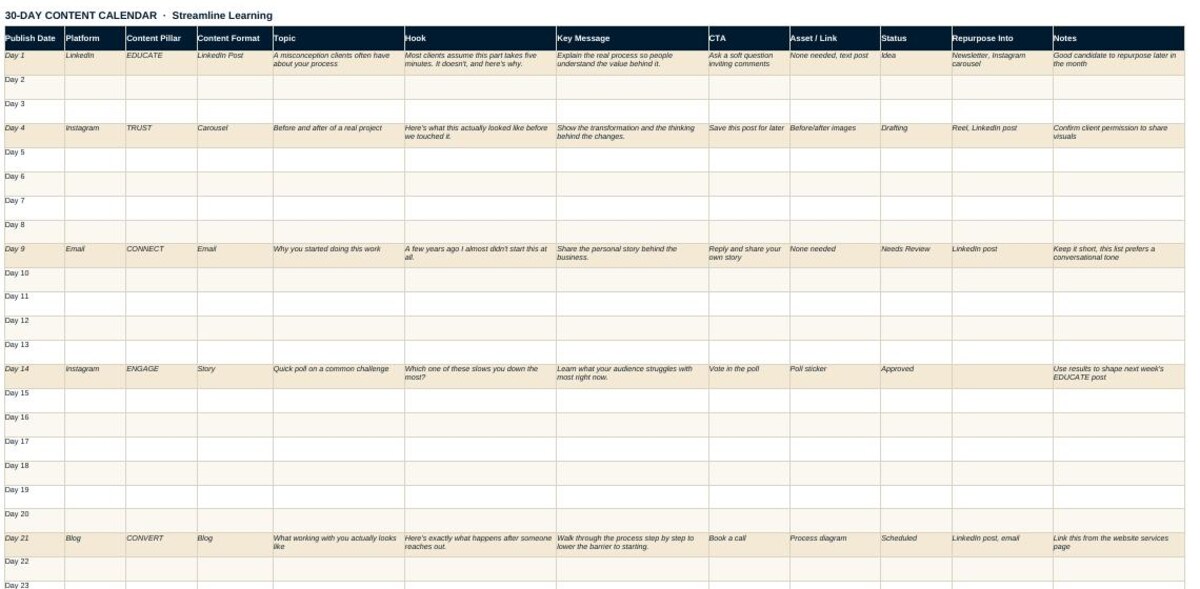
30-Day Content Calendar
An editable planning sheet for topics, platforms, formats, CTAs, status, and repurposing.
30 Content Prompts
Practical ideas grouped across Educate, Trust, Connect, Engage, and Convert.
Content Pillar Planner
A worksheet to help define 3 to 5 recurring content themes.
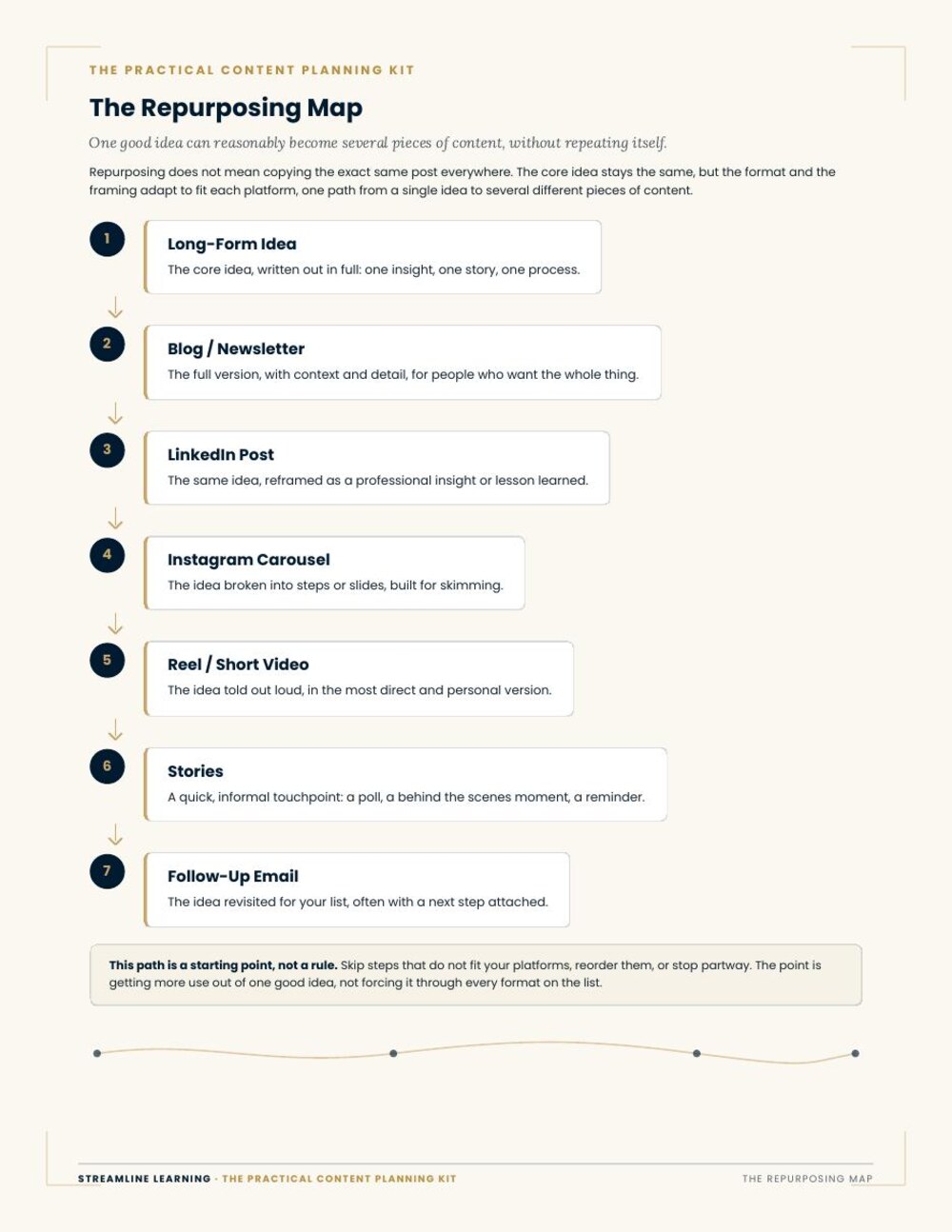
The Repurposing Map
A one-page visual showing how one idea can become multiple pieces of content.
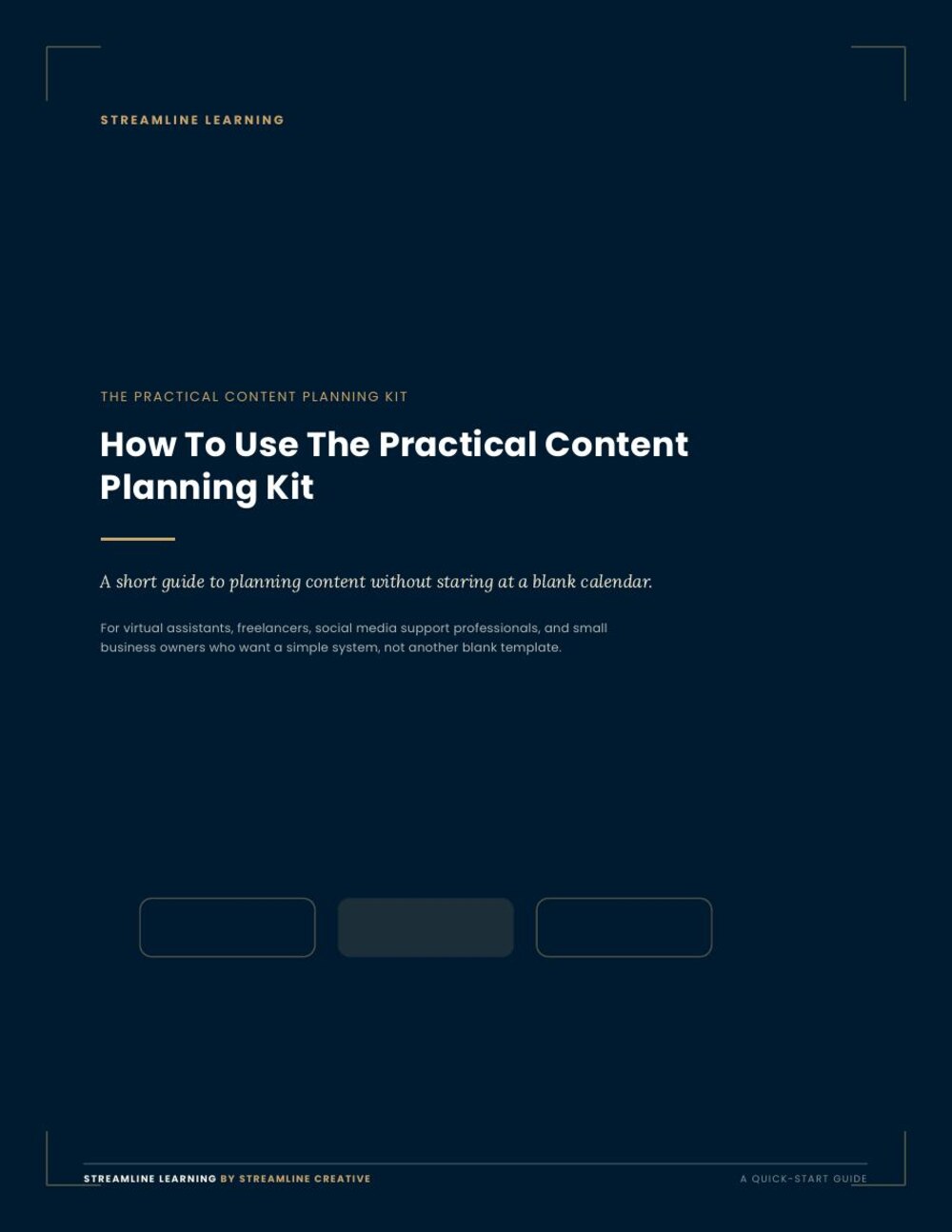
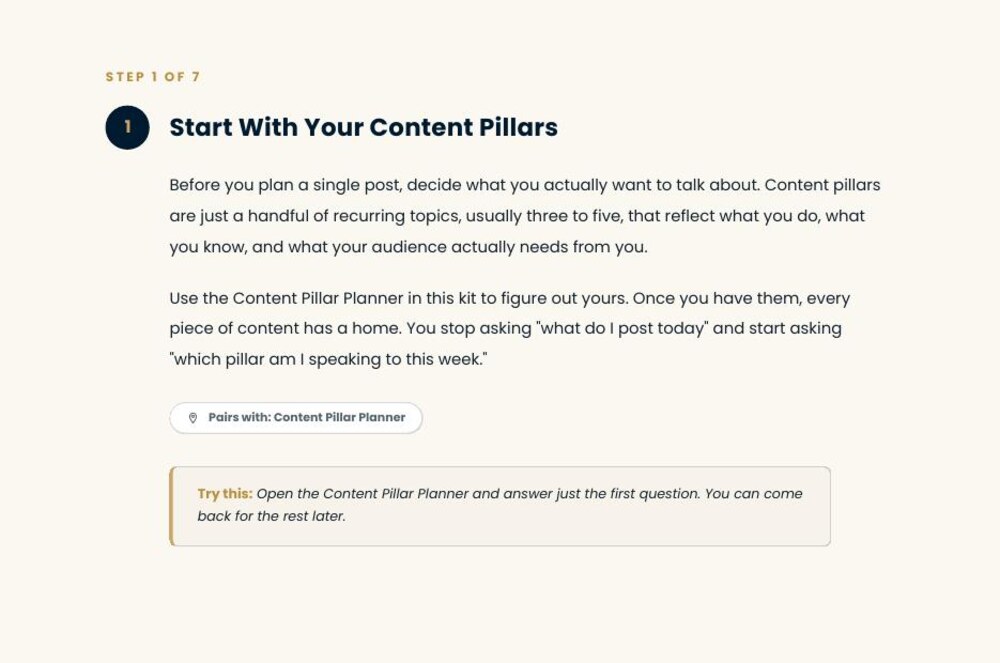
Quick-Start Guide
A step-by-step guide for using the entire kit without overcomplicating the process.
A look inside
1 of 4
A content calendar should make planning easier, not give you another blank page.
Most planning tools hand you an empty grid and leave the hard part to you. This kit gives you the thinking first: what you talk about, how ideas get organized, and what happens to an idea after it is published.
- Choose what to talk about instead of guessing each week
- Organize ideas before deciding on formats
- Plan without forcing yourself to post every day
- Track what is actually getting published
- Reuse strong content ideas across platforms
- Adjust the plan based on what is working
The 30-day calendar is a planning window, not a requirement to post every day.
What you get
30-Day Content Calendar
An editable planning sheet for topics, platforms, formats, CTAs, status, and repurposing.
30 Content Prompts
Practical ideas grouped across Educate, Trust, Connect, Engage, and Convert.
Content Pillar Planner
A worksheet to help define 3 to 5 recurring content themes.
The Repurposing Map
A one-page visual showing how one idea can become multiple pieces of content.
Quick-Start Guide
A step-by-step guide for using the entire kit without overcomplicating the process.
Looking for more practical resources?
The Resource Library is where we publish checklists, templates, and short guides as they are finished.
Browse the Resource Library