
Free resource
Cheat SheetClient CommunicationFree
10 Client Messages Every Beginner VA Should Know How to Write
A practical communication cheat sheet for new VAs who want to sound clear, professional, and reliable with clients.
Stop staring at the message box wondering what to say. Use these examples as practical starting points for real client conversations.
Get the Free GuideFree PDF · Beginner-friendly · No experience required
This guide is for you if…
- You are starting out as a VA and are unsure how to communicate with clients
- You know how to do the work but sometimes struggle with what to say
- You overthink updates, follow-ups, mistakes, delays, or approval requests
- You want to sound professional without sounding stiff or robotic
What’s inside
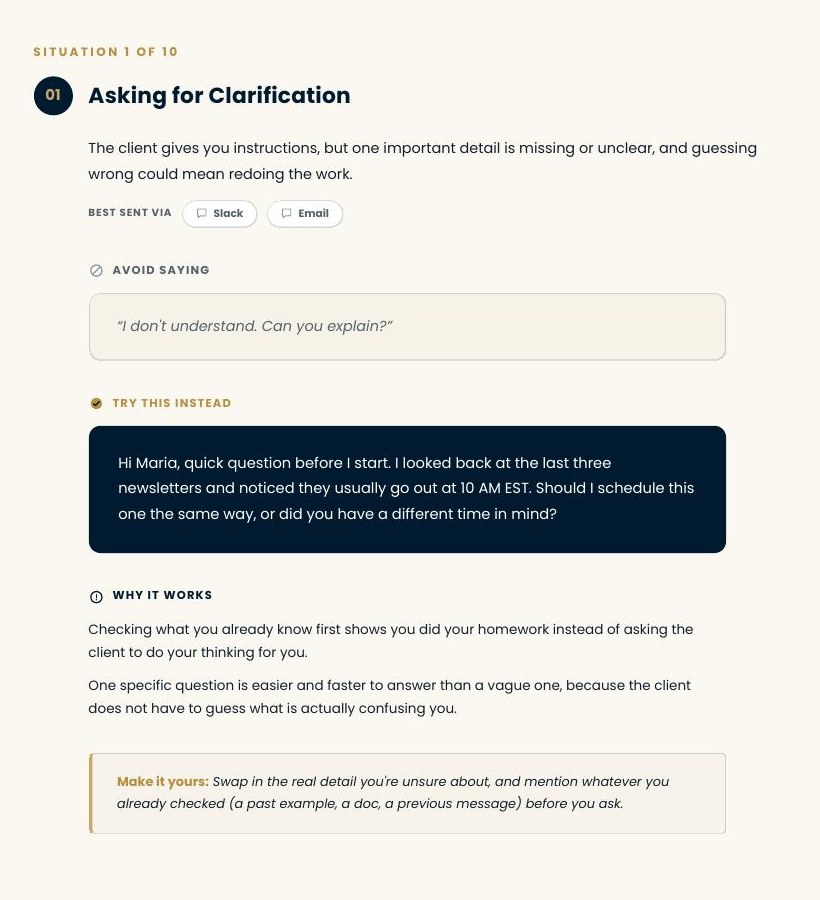
- 01Asking for Clarification
- 02Asking for Missing Information or Access
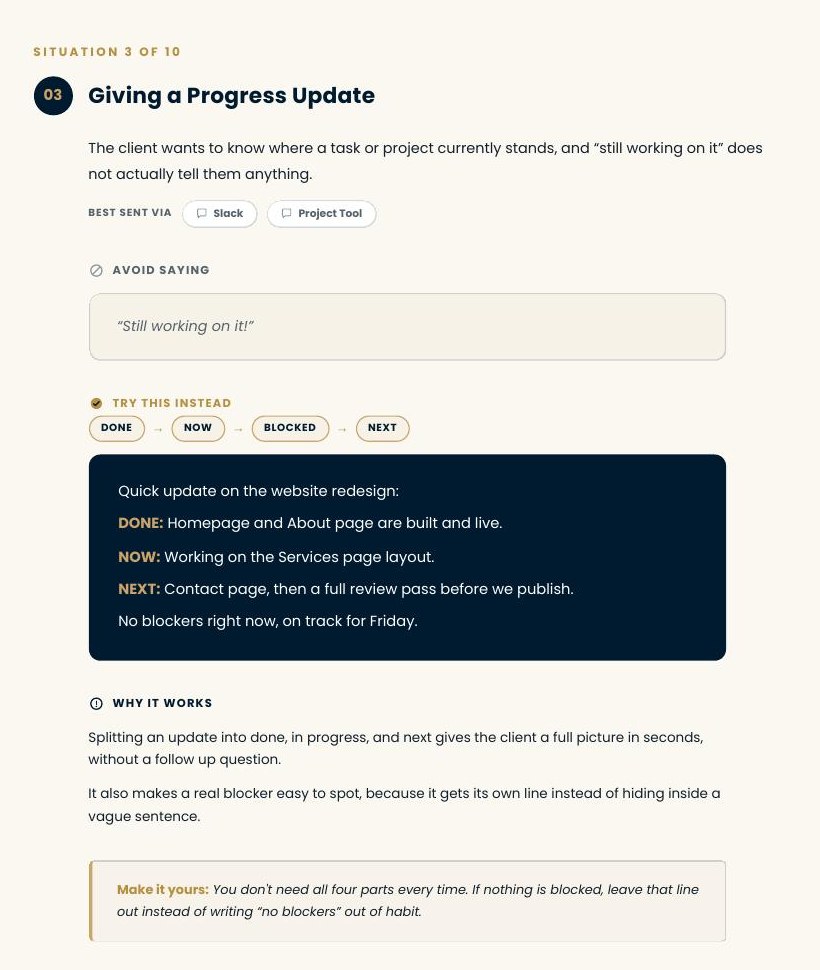
- 03Giving a Progress Update
- 04Following Up When the Client Has Not Responded
- 05Reporting a Delay
- 06Owning a Mistake
- 07Asking for Approval
- 08Pushing Back on an Unrealistic Deadline
- 09Responding to an Out-of-Scope Request
- 10Closing Out a Completed Task
Each situation includes what to avoid saying, a clearer version you can adapt, why it works, and how to make it sound like you.
A look inside
Also included
- 5 communication habits that make client work easier
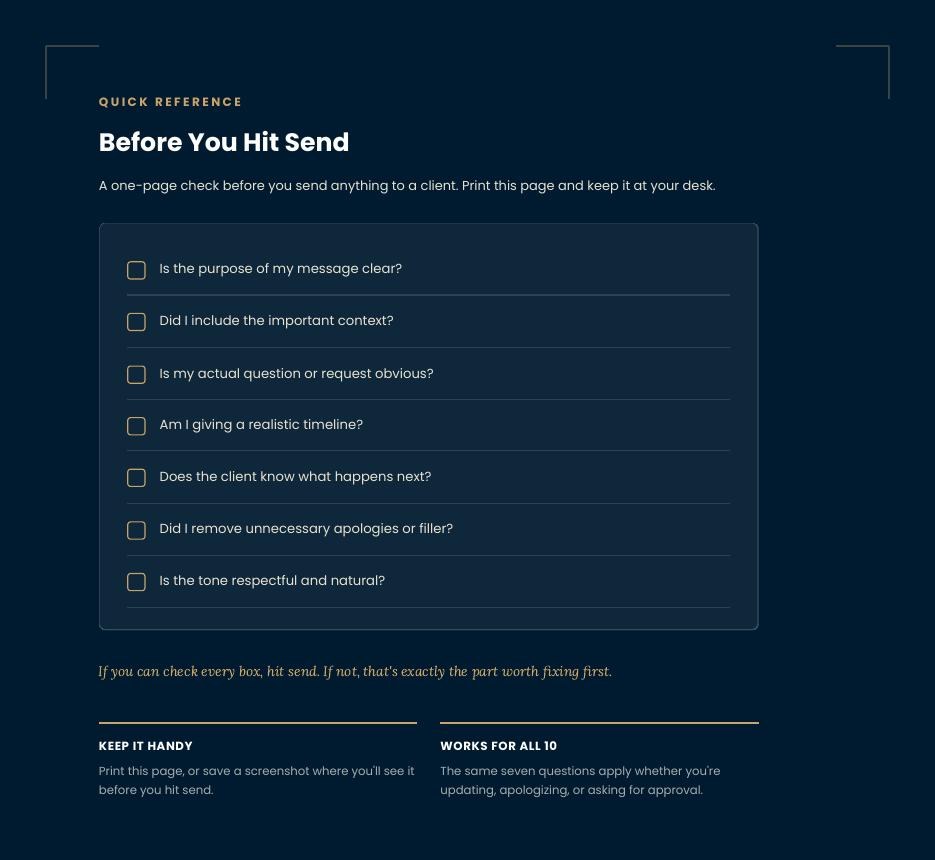
- Printable Before You Hit Send checklist
- Practical examples for Slack, email, WhatsApp, and project tools
Looking for more practical resources?
The Resource Library is where we publish checklists, templates, and short guides as they are finished.
Browse the Resource Library